A creator dual-stream tool
One broadcast, two destinations, and a clear view of what needs attention before the show starts.
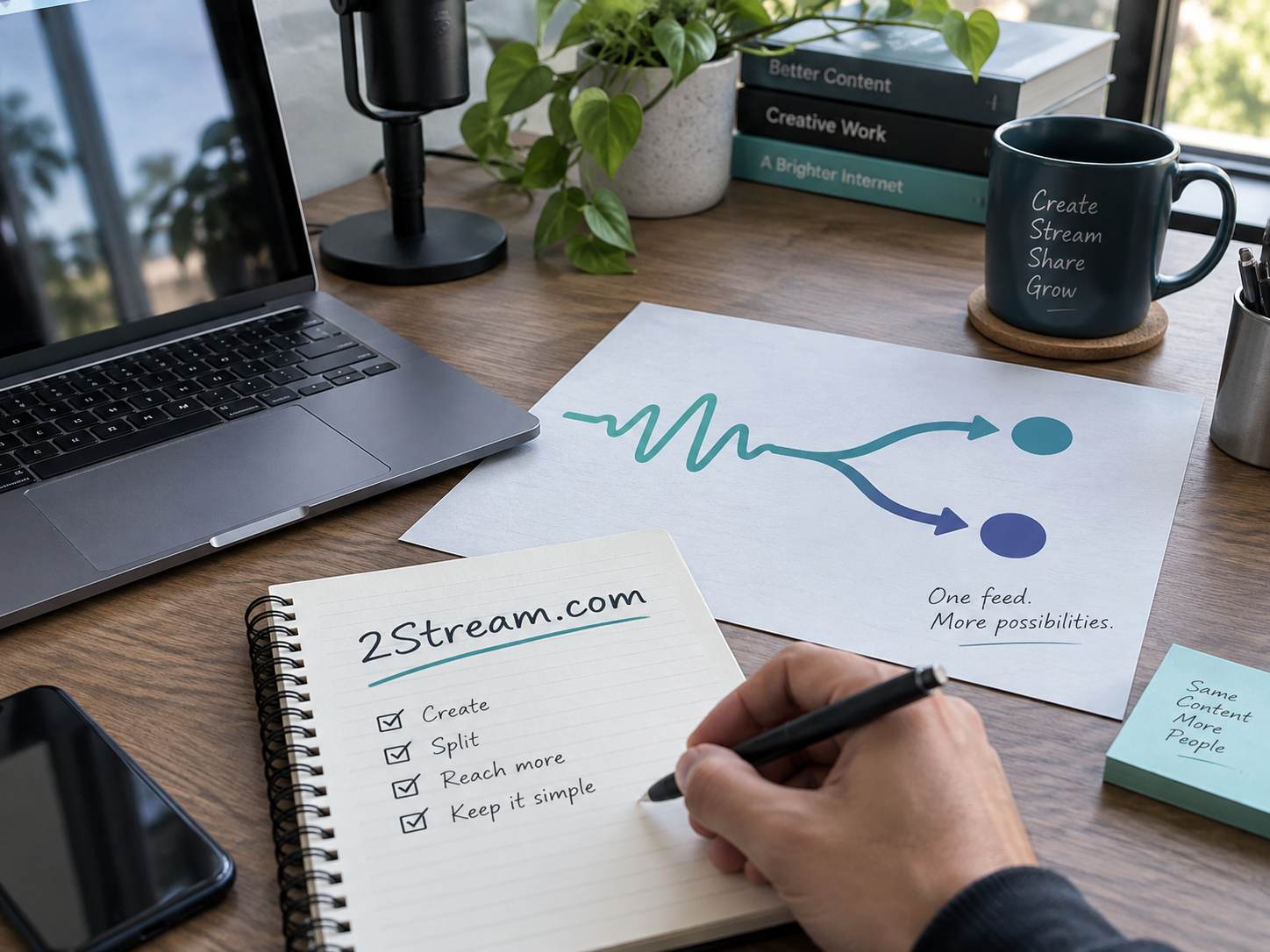
A creator preparing a live conversation has enough to manage before adding a second destination. Guests need instructions, scenes need checking, and the opening needs to start on time. A focused dual-stream tool could help the creator send one show to two chosen places while keeping the decisions understandable. That is a natural product direction to explore under 2Stream.com.
The following is an illustrative concept, not a description of an existing 2Stream application. Its first customer would be a creator with an established live routine who wants to reach a second audience without rebuilding the entire show. The initial promise should be modest and specific: prepare both destinations and see what is ready.
Begin with two named destinations
The product brief should name the first pair of supported destinations. “Stream everywhere” leaves too much unanswered. A creator needs to know whether the tool supports their accounts, what access they must grant, and which parts of the event remain managed elsewhere. The requirements for a second destination belong in the first conversation, not in a support article discovered on launch day.
Restream’s introduction provides an existing example of a service in the multistreaming category. That context helps establish the buyer’s vocabulary. It does not tell a new team which integrations it can offer or what permissions it will receive. Those questions need direct investigation for the proposed product.
Choose a pair based on the creator’s working habits. A broadcaster who already has two active communities is a different customer from someone hoping that another destination will create an audience. The former can describe concrete operational friction. The latter may need a distribution plan more than a new tool.
Design the check before the show
The first screen could answer three questions: is the source ready, is destination one ready, and is destination two ready? Each answer needs a defined basis. Connected credentials are different from a confirmed incoming picture. A saved event is different from an event currently visible to viewers. Use labels that distinguish those states.
A preparation checklist could include the title, audience visibility, source preview, and a link to each destination’s own controls. Keep account secrets out of shared screenshots. Make disconnecting an account easy to find. Creators often work with a guest producer, so decide which tasks can be delegated without giving away more access than necessary.
The digit in 2Stream gives this narrow offer a useful visual starting point. A diagram with one input and two outputs can explain the intended workflow. The product name should introduce the job; it should not be treated as a technical guarantee about how every stream is transported.
Walk through an ordinary show
Imagine a creator running a weekly interview. The show already reaches an established community on one destination. A second community wants the same interview in a place it regularly uses. Before the event, the producer checks the two titles and confirms that both destinations are set to the intended visibility.
During rehearsal, the producer listens to the source and checks each viewing page. If one destination is unavailable, the product should make that condition obvious and explain the available next action. The creator should be able to decide whether to proceed with one destination, pause the start, or use the destination’s native controls. That decision belongs to the human running the show.
Afterward, the producer checks what each destination retained. A recording, comments, and captions may have different owners or availability. The product should help the creator find the relevant result instead of assuming that both destinations produced identical archives. A concise end-of-show summary could be more valuable than another live dashboard panel.
Keep the first release deliberately small
A team might be tempted to add guest rooms, overlays, editing, analytics, and scheduling at once. Those features serve related jobs, but each creates another support surface. A sharper first release would focus on the preflight check, clear destination states, and a reliable way to end the broadcast intentionally.
The capture setup also matters. OBS Studio’s overview distinguishes scenes, sources, and output controls. A tool designed for creators who already know that environment should avoid making them rebuild familiar scenes. Document the handoff between their production software and the proposed service, and test that handoff with ordinary equipment.
Reach creators through useful demonstrations
A credible distribution path is a small set of creator educators who teach live production. Give them a working pilot and a clear description of its limits. Ask them to show the preparation and recovery steps, not only a successful start. Their questions can expose confusing labels long before a broader launch.
A public rehearsal worksheet could support that effort. It might ask creators to list both destinations, the person watching each output, the fallback announcement, and the recording owner. The worksheet should remain useful even for someone who never becomes a customer. That gives the brand a practical reason to be shared within creator communities.
Decide what support really means
A creator may broadcast at night or on weekends. If the product only offers support during limited hours, say so plainly. Create a path for reporting a destination failure and separate a platform problem from a problem the tool can address. Keep incident messages factual and tied to observed behavior.
Before pricing the offer, learn how often the intended customers broadcast and how much setup help they need. A frequent solo creator and a production team supporting several hosts could create very different support demands. Those are operating questions to validate, not reasons to publish invented savings or audience-growth claims.
Give the idea a clear next step
Draft the two-destination checklist and test it with one existing show. Ask the creator to explain each status label without coaching. Watch for hesitation when one destination is ready and the other is not. That small exercise can reveal whether the product concept removes confusion or simply redraws it.
If this direction fits a planned creator product, inquire about acquiring 2Stream.com. Describe the intended audience and the pair of destinations at the center of the first offer. The inquiry can open a purchase discussion through GoDaddy or Escrow.com, or outline a specific partnership proposal.
Acquire 2Stream.com
Put a clear streaming identity behind the next product, channel, or service. Share the intended use to begin a conversation.
Request Info