Dual output without the mess
Explain a two-destination broadcast through clear states, ownership, and recovery steps instead of a crowded feature list.
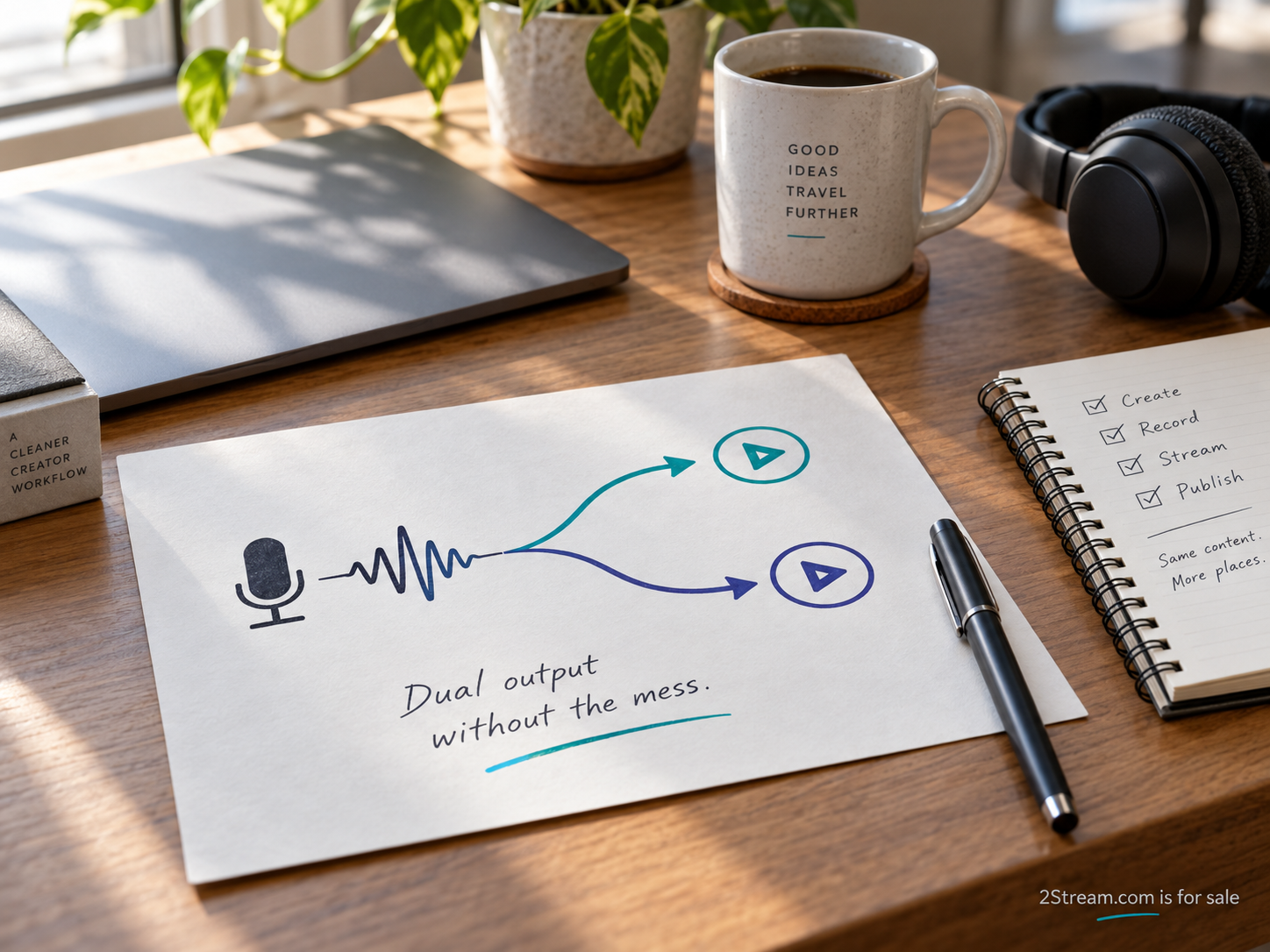
“One stream, two destinations” is a useful opening explanation. It is not yet a complete product brief. A producer still needs to know which source is being sent, whether each destination is ready, and what to do if only one output is working. Those questions should shape both the interface and the language used to describe it.
This guide is for teams explaining a dual-output workflow to customers, designers, or colleagues. It concentrates on the decisions a person needs to make around a broadcast. It does not prescribe a particular infrastructure design or promise a level of streaming performance. The worked example is a planning exercise for a hypothetical weekly interview show.
Draw the path before writing the headline
Start with three boxes: source, distribution step, and destinations. Label the source with the actual production environment under consideration. Label both destinations by their intended role. Then mark which parts of the path the product controls and which parts are managed by another service or the customer.
There is more than one way to send video to multiple destinations. Restream’s bandwidth explanation describes its service receiving a stream and distributing it onward. That provider-specific model is useful context. A team using another design should document its own path rather than borrowing assumptions about bandwidth or behavior.
The diagram should help a reader locate a problem. If the source stops, both destinations may be affected by the same upstream condition. If one receiving account needs attention, the issue may be specific to that destination. The actual behavior depends on the implementation, so test these conditions before writing definitive product messages.
Give each state a precise meaning
Avoid making “ready” stand for everything. An account can be connected while the event has not been created. An event can exist while no source is arriving. A source preview can be visible while the public viewing page still needs checking. A good state label tells the operator what has been confirmed and what remains to be done.
A draft state vocabulary might include “Account connected,” “Waiting for source,” “Source detected,” and “Check viewing page.” These are examples, not a required interface. For each label, write the observation that causes it to appear and the action the operator can take. If the team cannot define that relationship, the label is too vague to ship.
Keep destination states separate. A single green indicator can conceal the condition that matters most in dual output: one destination is working and the other needs attention. Display enough context for the operator to decide what to do without assuming that the success of one proves the success of both.
Distinguish preview from public playback
A preview answers a narrower question than a viewer check. It may show that the production setup has a picture and sound. The public viewing page introduces other parts of the journey, including access and event selection. The preparation process should make it clear which check has been performed.
OBS Studio’s overview explains the relationship between scenes, sources, and output controls in that application. Those concepts can help orient a team describing the production side. The customer-facing explanation should still use the terms appropriate to its own workflow and avoid implying that a local preview verifies the whole delivery path.
In a rehearsal, assign someone to open each destination as an intended viewer would. Record who did the check and what they observed. If the event is private, use the planned access method. That makes the exercise closer to the actual audience journey than checking only an operator account that already has broad permissions.
Work through the weekly interview
In the example, a creator hosts a weekly interview and a producer manages the broadcast. The creator supplies the guest details and opening segment. The producer creates or checks the events at two destinations and confirms the agreed titles. Both people know who can make the decision to begin if one destination is unavailable.
Before the show, the producer verifies the source and opens both viewing pages. The checklist records the event title, visibility, and audio check for each. A separate line names the person watching for urgent audience reports. This does not require an elaborate control room; it requires an explicit assignment of responsibilities.
During the show, the producer needs a concise view of changes. A message such as “Destination B needs attention” should identify the affected destination and offer an appropriate next step. Avoid a generic “Something went wrong” if the system has enough information to be more specific. Do not expose account secrets in the diagnostic text.
Write the failure stories before the success story
Choose three conditions to rehearse. The source is interrupted. One destination cannot start. A destination stops while the other continues. For each condition, ask what the product can observe, what the operator sees, and which action remains available. Test the actual implementation rather than assuming the diagram predicts all behavior.
The product brief should distinguish an automatic recovery attempt from a confirmed recovery. “Reconnecting” describes an action in progress. “Receiving video” describes an observation. If the team uses a single cheerful status for both, the operator may make the wrong decision while the system is still trying to recover.
Also decide how the operator communicates with viewers. That might happen through the destination’s own tools or through an event page the team controls. Include a prepared factual message with space for the event-specific detail. The message should acknowledge the condition and state the next known action without inventing a restoration time.
End the broadcast intentionally
Stopping the source, ending a destination event, and publishing a recording can be separate actions. The interface should explain the relationship for the supported setup. A creator should not have to discover the distinction by leaving a viewing page open after the show and wondering whether it is still live.
Create an end-of-show checklist for the actual product. It can include confirming that both destinations have ended, locating recordings, and removing temporary access if needed. Record who owns each archive. Do not assume that the product controls retention or editing at an external destination unless the integration actually provides that capability.
A short summary can be useful: which event ran, which destinations were used, and what requires follow-up. Keep it factual. A summary should not invent a combined viewer number or suggest that measurements from different destinations are directly comparable without a defined method.
Translate the workflow into marketing copy
Once the states and responsibilities are clear, write the public explanation in the same order the customer works. Prepare the source, check both destinations, run the event, and review the result. Give readers a small diagram and a concrete example. A wall of integration logos cannot replace an explanation of what the customer must actually do.
Use precise limits where they affect a purchase decision. Name supported destinations only after they have been verified. Explain any account prerequisites in an accessible place. Avoid claims such as “never miss a viewer” or “perfect synchronization” unless there is a defensible, relevant basis for them. Most customers benefit more from an honest account of the workflow.
Leave with a usable rehearsal sheet
The final sheet should list the source, both destinations, their owners, the viewing checks, and the three failure conditions. Add the decision maker for starting with one destination and the recording handoff after the show. Keep it short enough to use during a rehearsal, with links to detailed setup instructions where necessary.
A clear two-destination story is built from these ordinary decisions. Test the sheet with someone who did not write it. Ask them to explain what happens if destination two is not ready. Their answer will reveal whether the product’s language helps them act or merely repeats the promise in the headline.